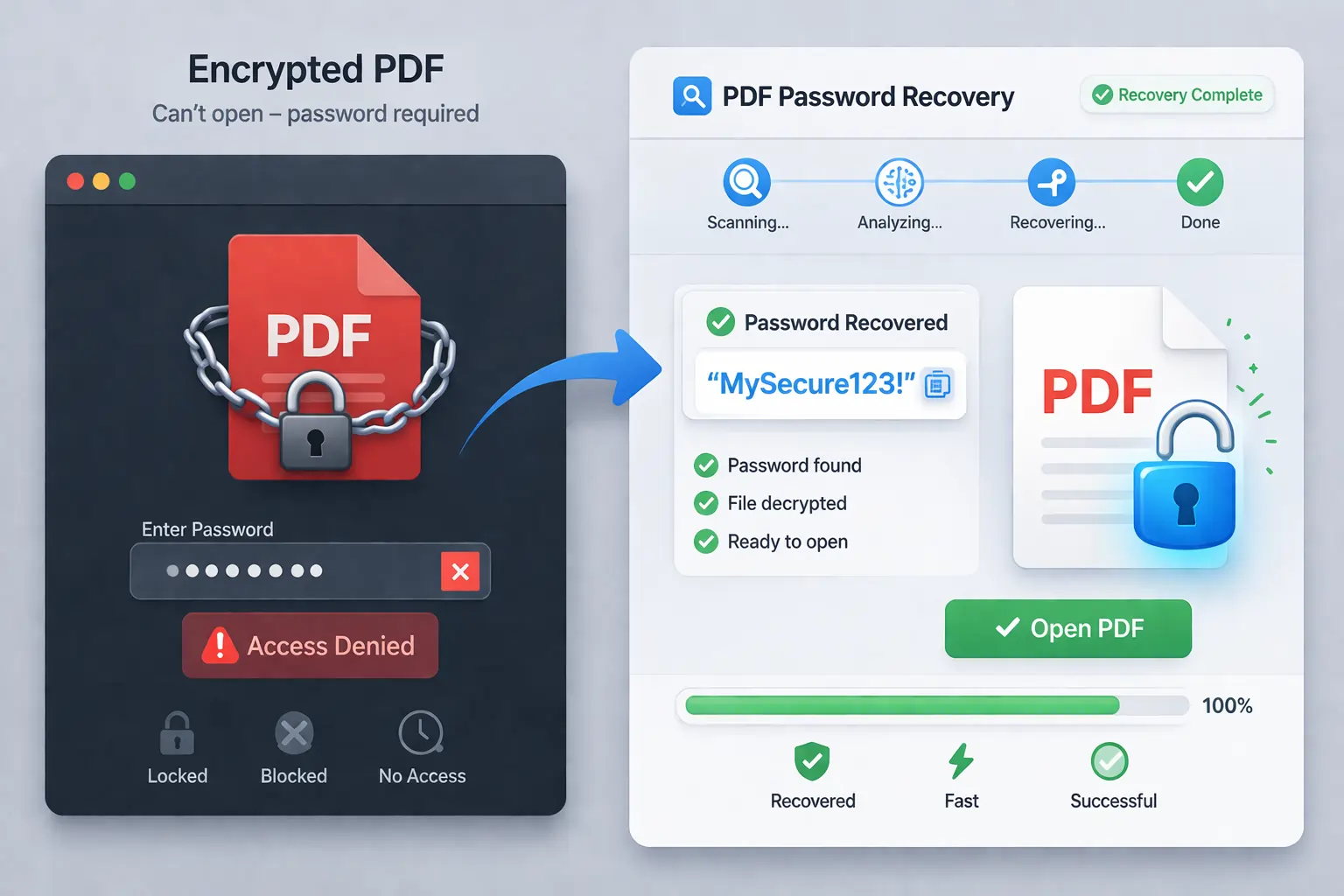
Don't know the password of your PDF—no more file access. To recover password from PDF, use the Advanced PDF Password Recovery Tool by FreeViewer. It has powerful recovery modes to recover passwords up to 15 characters. Without guesswork, retrieve the full PDF credentials in seconds. Download the offline utility on Windows or macOS.
Download Now
Safe & Secure
Purchase Now
30 Days Money Back*
If document security annoy you, use PDF Unlocker Tool to remove the recovered PDF password. This way, you can manage the file with ease and efficiency.
Best Software to Retrive PDF Password Without Any Guess & Trial
Install & Start Process
Download FreeViewer PDF File Password Recovery Tool on your Windows or macOS.
Browse to Upload File
Click the Browse button to access the Secured PDF document.
Select Flexible Recovery Mode
Under the two recovery options, i.e., Brute Force or Mask Attack, choose any.
Press Recover
Finally, hit the Recovery button to get the password of PDF file.
Ethical Way to Recover the PDF Password Without Any Challenges or Failure
One-Click Password Recovery
To find PDF password, this Mac PDF File Password automatically retrieves the exact combination to open the protected PDF with minimal effort required. Using this one-click recovery solution, users can recover unknown or partially known credentials to regain access to a locked PDF in seconds.
High Success Rate Without Data Loss
Using the FreeViewer PDF Password Recover Software, users can ensure 100% password recovery. The tool provides a guarantee against data loss and errors. Hence, the information remains unchanged during the process. So, achieve a high success rate in recovering lost PDF credentials.
Maintains File Formatting & Originality
This PDF Password Recovery Free tool efficiently preserves file formatting and elements. Moreover, it won't affect the structure, media content, including the links, fonts, and other multimedia assets. Hence, it only focus the retrieval of the password while preserving the document content and structure.
Advanced Recovery Algorithms
With Advanced PDF User Password Recovery, users can recover credentials using smart cracking algorithms, like Brute Force & Mask Attack. These programs are utilized to restore unknown or partially known password variables, eliminating the manual guesswork.
Support All Password Combinations
Using the PDF File Password Recovery Software, users can restore all password combinations. The tool can crack all types of patterns, including letters, symbols, numbers, and more. Hence, you can retrieve the full password from scratch without any clue.
Restore Password to Gain File Access
With FreeViewer PDF Password Recover Utility, professionals can retrieve the password. After this, you can regain full access to reading, viewing, or sharing the document effortlessly. Use this advanced software to recover the complex user password within an hour.
If you're wondering how to retrieve PDF password, try FreeViewer PDF File Password Recovery Tool. This is a dedicated and most reliable utility to recover the unknown or partially known PDF password. Moreover, the software provides two advanced options to retrieve the document password.
This way, you can get the exact password and open the secured PDF effortlessly. Besides this, the success rate is quite high, making it a one-stop choice for professionals. Here are the other benefits of Mac PDF Password Recover Tool:
The Mac version will be available soon. Stay tuned!
Securely Retrieve PDF Password Using Smart & Advanced Recovery Algorithms
Quick Password Recovery with Simplified Interface
The FreeViewer PDF Password Recovery Tool is among the most powerful and versatile choices for recovering the PDF password. It offers a basic and clean dashboard for instant password recovery. With no technical challenges, professionals can smoothly run the tool and access the exact PDF password without guesswork. So, download the Advanced PDF password recovery software.
Recover: Unknown & Partially Known PDF Password
Whether it is an unknown or partially known password, this Free PDF File Password Recovery Software can retrieve both. Using this robust utility, users can effortlessly recover a user or open document password. It has advanced modes that can restore a completely unknown or partially known password (if remembered a few characters or patterns).
Multiple Password Recovery Modes
To recover PDF password, this FreeViewer PDF Password Recover tool provides smart and advanced recovery modes, i.e., Brute Force & Mask Attack. Choose brute-force for recovering an unknown PDF password. Whereas the Mask Attack is designed to recover a partially known user password. The software automatically tests all the relevant combinations to retrieve forgot PDF password with 100% accuracy and efficiency. So, use the software for free and access the file passkey.
Speedy Password Recovery Up to 15 Characters
This PDF Password Recovery Freeware Software ensures the ethical retrieval of PDF passwords up to 15 characters long. The tool is designed to handle complex and strong PDF passwords without affecting the formatting. The password mainly contains special characters, letters, numbers, etc. With this advanced software, users can recover passwords having all combinations up to 15 charset.
Smart Password Retrieval with Charset & Hints
This FreeViewer PDF File Password Recovery Tool has other smart features, such as a Custom Charset and Password Hints. Using these flexible options, users can ensure faster, more accurate password recovery. Under the Custom Charset feature, users can select password patterns, like letters (uppercase or lowercase), special symbols, and numbers, if remembered. Moreover, the predefined hints allow you to pick password lengths and starting or ending character sets. Using these features, the software can minimize the recovery time.
Need Adobe Reader for Password Verification
To recover password of PDF files password, this free PDF User Password Recovery tool needs the pre-installation of the Adobe Reader tool. This way, the software can automatically test credential combinations to ensure the fastest recovery of the PDF password. Moreover, the tool intelligently eliminates false passwords during verification. Hence, this powerful software attempts all possible password patterns until it generates the exact document password. With smart verification, you can retrieve the correct PDF password in seconds.
Recover Partial Matching PDF Password
Using the best Brute Force PDF File Password Recovery software, professionals can provide input to recover the partially remembered credentials. It mainly includes space, tab, lower or uppercase letters, and any special character. After this, the PDF Password Finder tool automatically tests the combination to find the exact pattern or combination of PDF credentials.
Local Processing - 100% Offline Utility
This PDF User Password Recovery by FreeViewer is the most trustworthy utility to find PDF password if lost. Moreover, this is a fully offline independent solution where data is saved locally on your system—no file upload needed. During the process, the file structure, font, embedded assets, and metadata remain untouched. Hence, this is an all-in-one and powerful password recovery program.
Recover Open or User PDF Password
Using the FreeViewer PDF Open Password Recovery Tool, users can recover the user or open document password with 100% data security. Whether you lost the credentials or partially remember them, the software works in all scenarios, making it a perfect choice for recovering a PDF password. After the retrieval of credentials, users can enter the passkey and open the document without any delay.
Suitable for Windows or Mac OS
This FreeViewer Advanced PDF Password Recovery Mac is compatible with Windows or macOS, including the latest versions. The software runs smoothly on both machines, ensuring fast performance and accuracy. This tool is available for both free download and a full version. In the freeware PDF password recover download, users can explore the basic features. So, try the full version to retrieve the exact PDF password.
Download the Full PDF Password Recover Program to Recover Exact Password
Processor
Intel® Core™ 2 Duo CPU E4600 @ 2.40GHz 2.39GHz
Memory & Storage
4 GB of RAM (4 GB is recommended) | 100 MB of free hard disk space required
Deployment Prerequisites
Supported Editions
Windows 11 (64-bit), Windows 10 ( 64-bit), Windows 8.1 (64-bit), Windows 8 (64-bit), Windows 7 (64-bit), Windows Vista (32-bit & 64-bit), Windows XP (32-bit), and Windows Server 2025 and other latest editions.
FAQs
Q: Is Anti-Virus blocking the export process?
Disable Anti-Virus temporarily or whitelist the software in your settings for proper functionality.
Q: Unable to create output in destination?
Avoid using NAS, SAN, or Network drives. Ensure the source file is on the local migration machine to perform successful migration.
Software Download
Release v5.3 | File Size: 44.5 MB | MD5: 9fa4d2175a640cfeebadbbe2d38bee5a
Trial Limitations
Free PDF File Password Recovery Software trial version only retrieve first 2 charset. So, use the full edition to access the complete PDF password.
Electronic Delivery
The delivery of product is automated. You will receive an email containing both the link to download and the activation key within few minutes.
Explore the Advantages of Using Full Edition of Recovering PDF Password
|
Characteristics |
Free Version |
Upgrade to Full Edition |
|---|---|---|
| Support User Password Protected PDF |
|
|
| Recover Unknown & Partially Known Password |
|
|
| Protect PDF File Formatting & Structure |
|
|
| Choose Custom Charset & Password Hints |
|
|
| Download Full PDF Password Recover on Win & macOS |
|
|
| Only Retrieve Password Up to 15 Charset |
Only Recover First 2 Charset |
|
| Cost | FREE | $29 |
Explore Commonly Asked Questions on Password Recovery PDF Tool
Get Customer Feedback on Full Version of PDF Password Recover Program