Import Lotus Notes NSF Files to Exchange Server
FreeViewer Awards & Reviews
“SoftwareSuggest awarded Lotus Notes to Exchange Migration software with ultimate performance award for its amazing performance.”
“Softpedia rated Lotus Notes to Exchange Migration Tool with 5-star rating for effectively exporting NSF files to Exchange Server.”
Lotus Notes to Exchange Migration Tool Features
Move Lotus Notes to Exchange Server
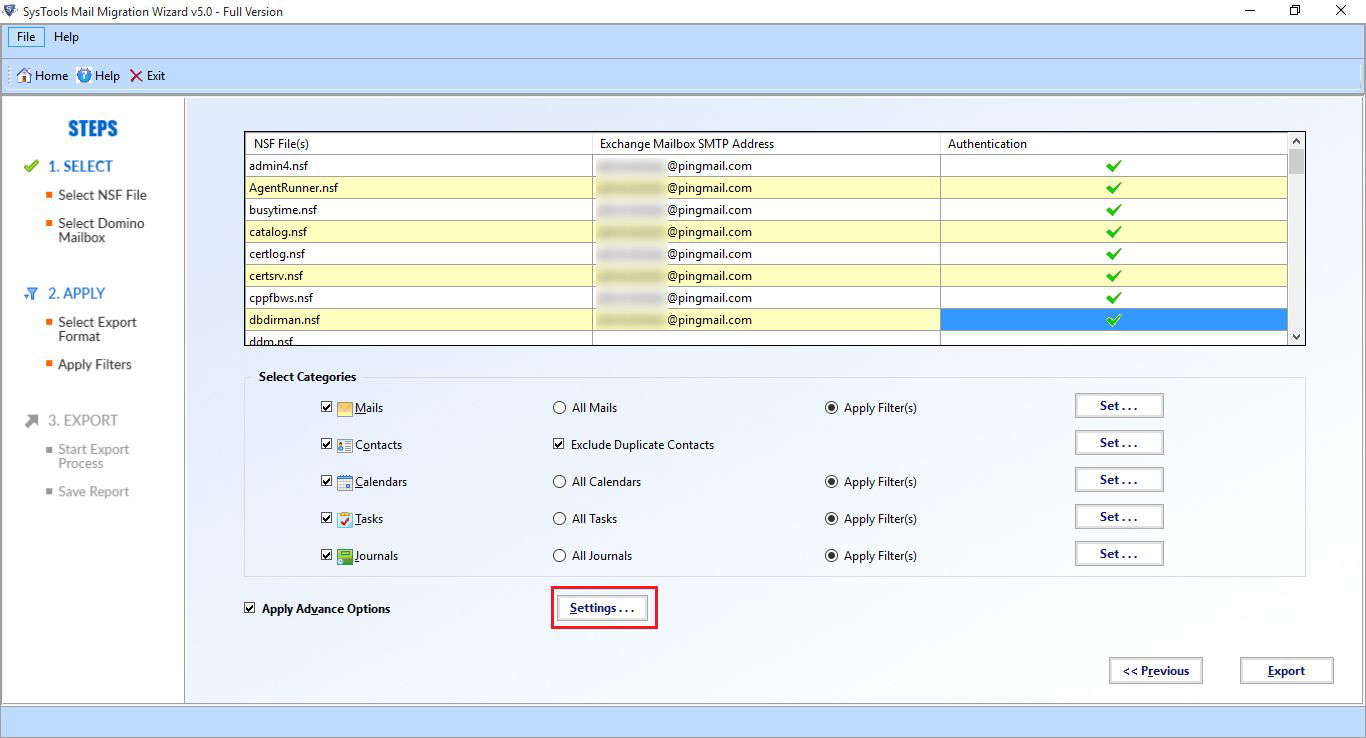
The Lotus Notes to Exchange Server Migration software is a robust and versatile utility to export Lotus Notes NSF files to Exchange Server. The utility is capable to migrate emails, contacts, calendars, etc. to Exchange in a hassle-free way. The originality of the data is maintained by the tool even after the migration process.
Save Domino Mailbox In Exchange
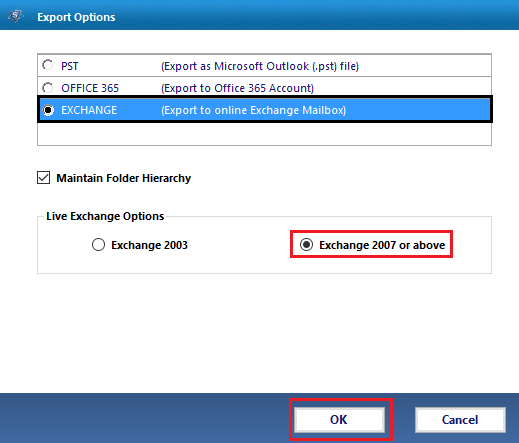
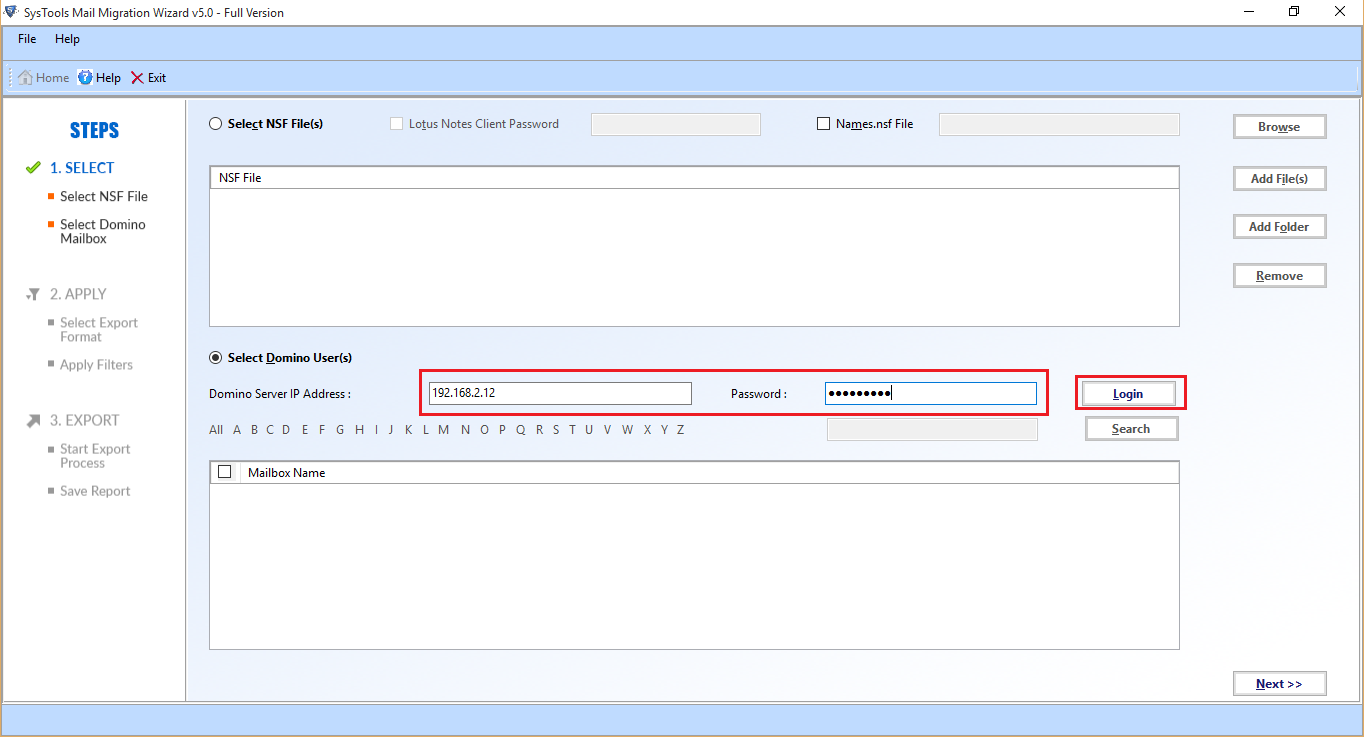
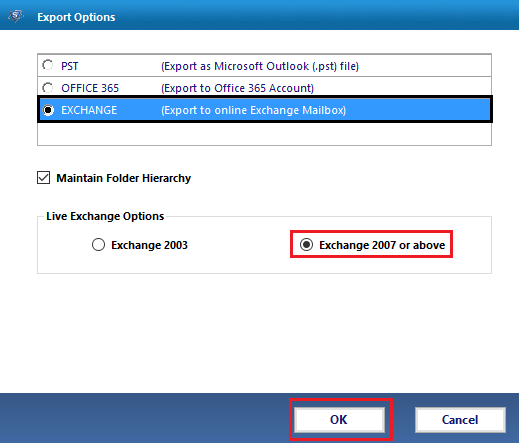
One can also perform migration of Domino Server mailbox to Exchange Server accounts. Additionally, the user can also map accounts between two servers to save data directly into the mailbox folders. To perform the migration, running an Exchange Server environment is necessary. The Live Domino Server environment must be present on the local machine for Lotus Notes to Exchange migration.
Export Multiple Mailboxes to Exchange
The software also permits the user to migrate multiple Lotus Notes mailboxes to Exchange Server in a batch. The user can also map data between accounts of different servers. Administrative credentials are not essential for mapping accounts between Lotus Notes and Microsoft Exchange.
Export Data According To Date
To migrate Lotus Notes to Exchange Server according to date, the user can apply Date Filter while the migration process. One just needs to add the date range in the To and From fields. The user can apply date filters to email, calendars, tasks, and journals, etc. For Contacts, the software provides the option to exclude duplicate contacts.
Maintains Data Integrity
There is no change in the data even after the Lotus Notes to Exchange Server migration as the tool preserves the data integrity. Moreover, the software also maintains the folder hierarchy while the Lotus Notes to Exchange Migration.
Compatible With All Windows OS
The Lotus Notes to Exchange Migration tool is capable to work with Windows 10/11 and all the lower editions. Moreover, the software migrates Lotus Notes data to Exchange 2010, 2013, 2016 & 2019, etc. without any data loss and security breach issues.
Software Specifications
Processor
Minimum 4 Core Processor is required
Memory & Storage
Around 500 MB for installation & tool requires at least 20 GB of free space to store data | 8 GB is recommended
Pre-Requisites
Supported Editions
FAQs
Q: Is Anti-Virus blocking the export process?
Disable Anti-Virus temporarily or whitelist the software in your settings for proper functionality.
Q: Unable to create output in destination?
Avoid using NAS, SAN, or Network drives. Ensure the source file is on the local migration machine to perform successful migration.
Software Download
Release v7.5.2 | File Size: 244 MB | MD5: 40e001a4b06fc1e0d3875dc85d3ab346
Trial Limitations
Demo Version of Lotus Notes to Exchange Migration Software will only Migrate 25 Items/Folder for Each NSF File or Each Domino Server Mailbox.
Electronic Delivery
The delivery of product is automated. You will receive an email containing both the link to download and the activation key within few minutes.
LOTUS NOTES TO EXCHANGE MIGRATION TOOL
|
Features |
Free Version |
Full Version |
|---|---|---|
| Add Lotus Notes NSF Files & Folder |
|
|
| Add Domino Server NSF Files & Folder |
|
|
| Select Categories (Emails, Contacts, Calendars, Task) |
|
|
| Advanced Email Filters |
|
|
| Windows 10 & All Previous OS Version Supported |
|
|
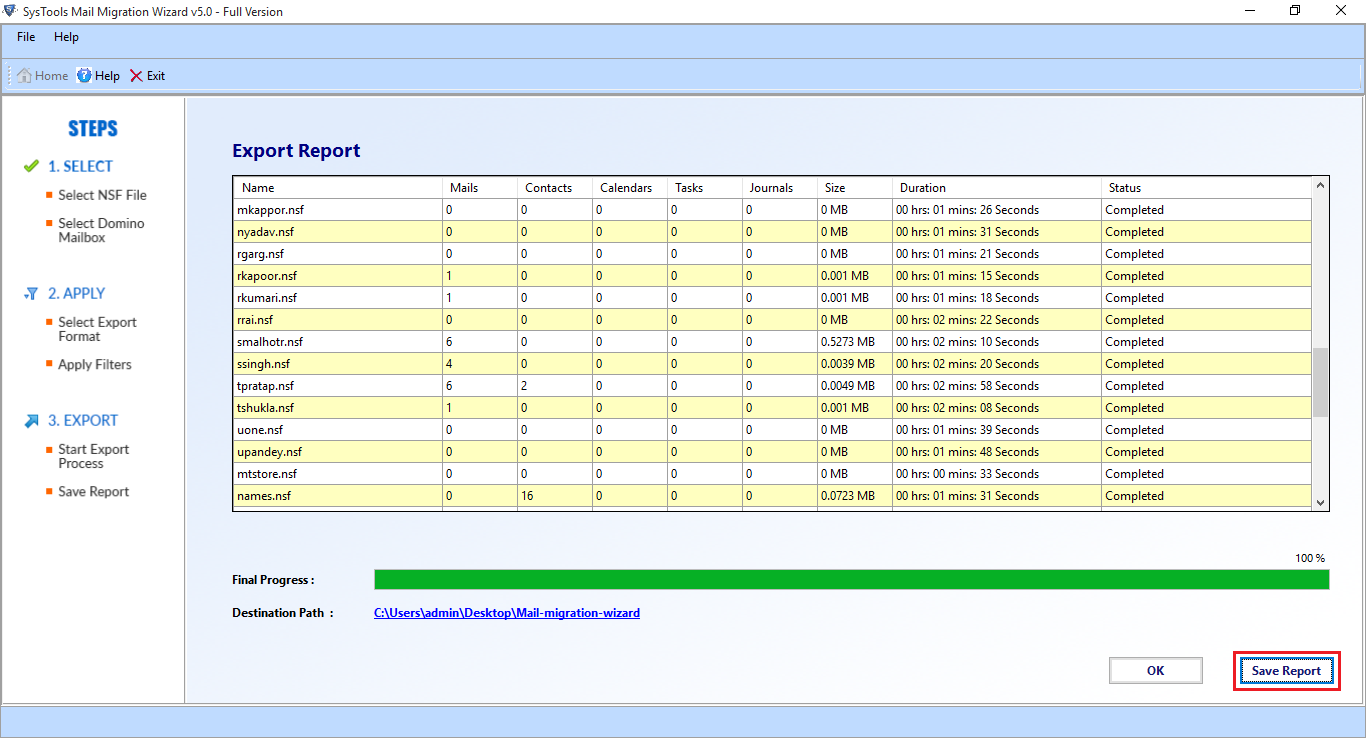
| Save Export Report in CSV Format |
|
|
| Export Domino Server / Lotus Notes to Exchange Server | Export 25 Items / Folder |
|
| Cost | FREE | $69 |
Frequently Asked Questions
What Customers Are Saying