Export Google Workspace Data to PST, EML, MSG, MBOX, & PDF Formats
Download Now
Safe & Secure
Purchase Now
30 Days Money Back*
Free Live Demo: – FreeViewer Google Workspace Export Tool Fully Secured Download Version

Export G Suite Data into Popular Formats Without Any Hassle
Export Google Workspace Data to Widely Used Formats
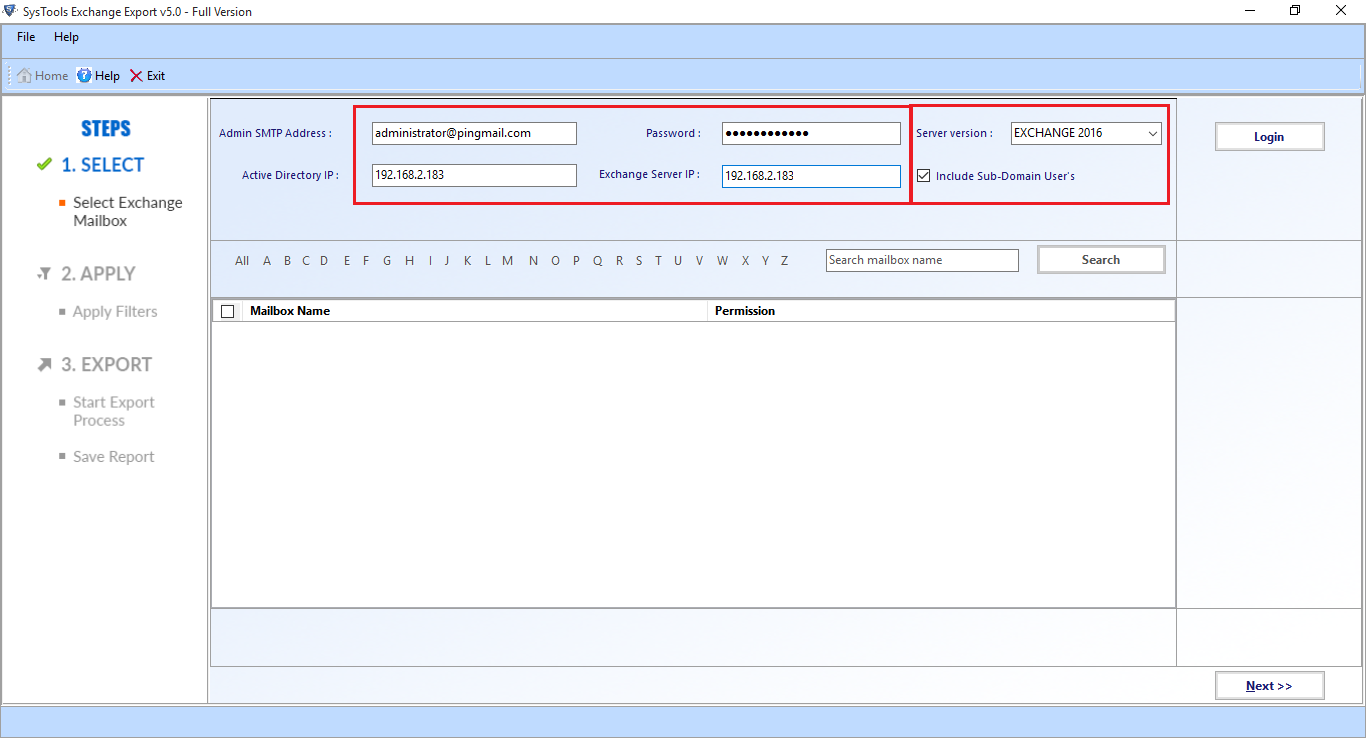
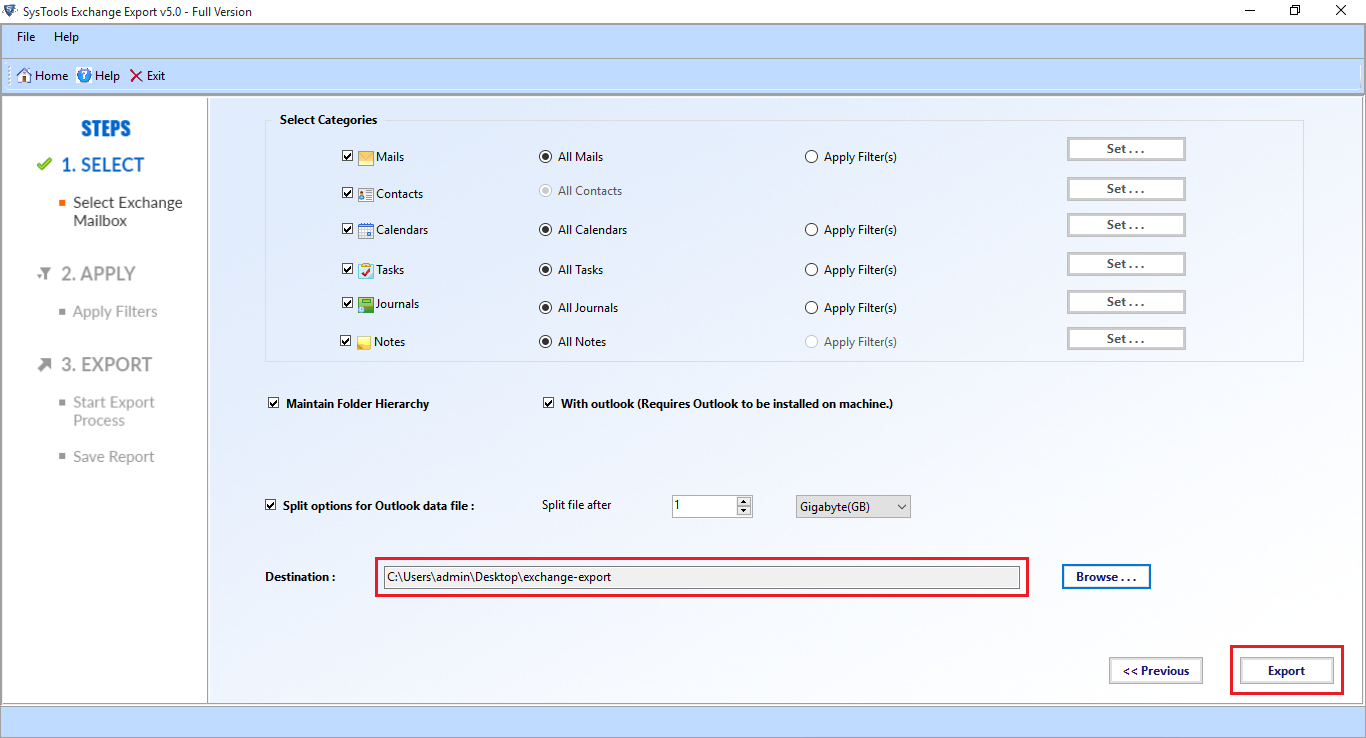
Use Google workspace data export tool to move entire mailbox contents in some of the popular file formats. You can export emails into formats like PST, EML, MSG, MBOX, & PDF. While contacts and calendars can be exported only in PST format. It makes the process simple and convenient and can use a supported email client.
Move Specific Data from Entire Mailbox
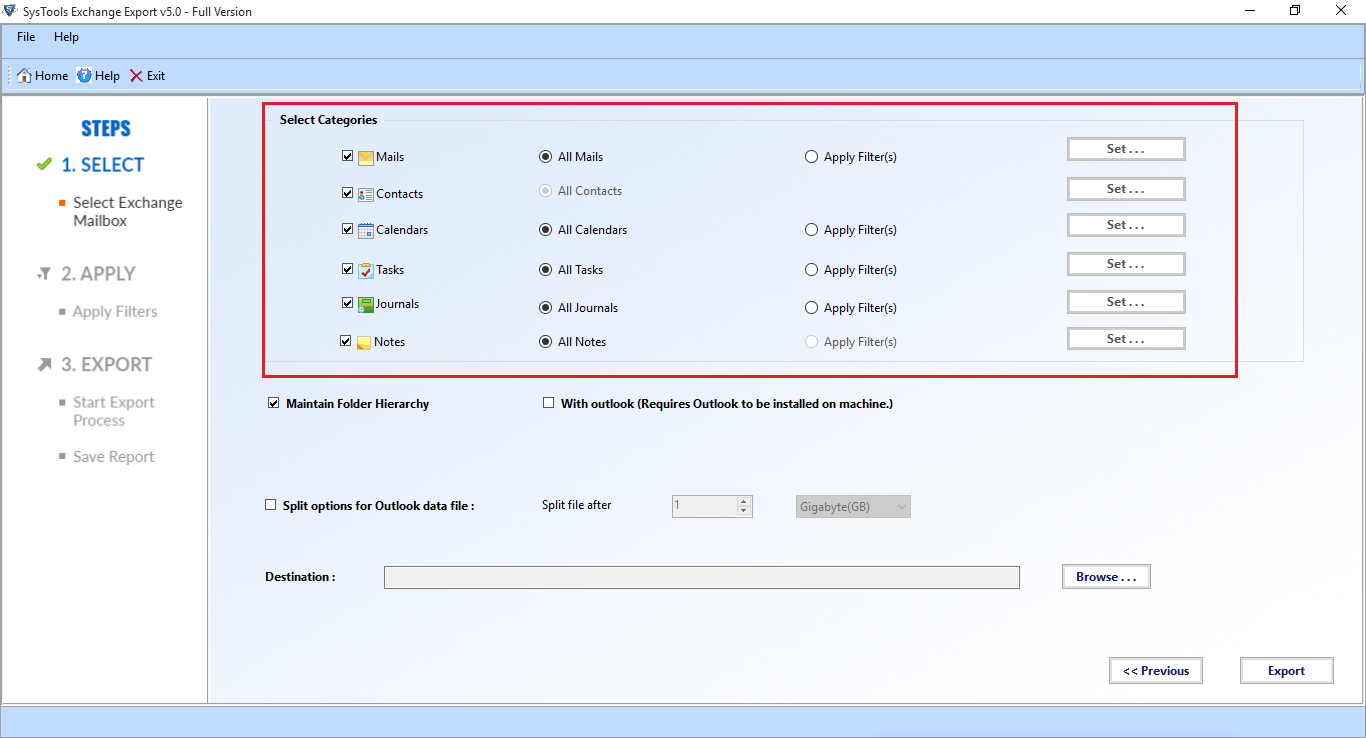
If you don't need all of the data in your email messages, select the information that you do need from the available workloads before beginning the process. You can choose from:
For emails, you can choose to export the data in different formats.
Use Date Filters to Export Data Between Specific Timeline
This FreeViewer Google Workspace export tool provides a specific date range option to export the data of your choice by applying a particular date. It helps in reducing the workload of the exports instead of choosing all emails. You can select emails, contacts, or calendar entries from a particular period for data exports.
Exporting Multiple Google Workspace Accounts
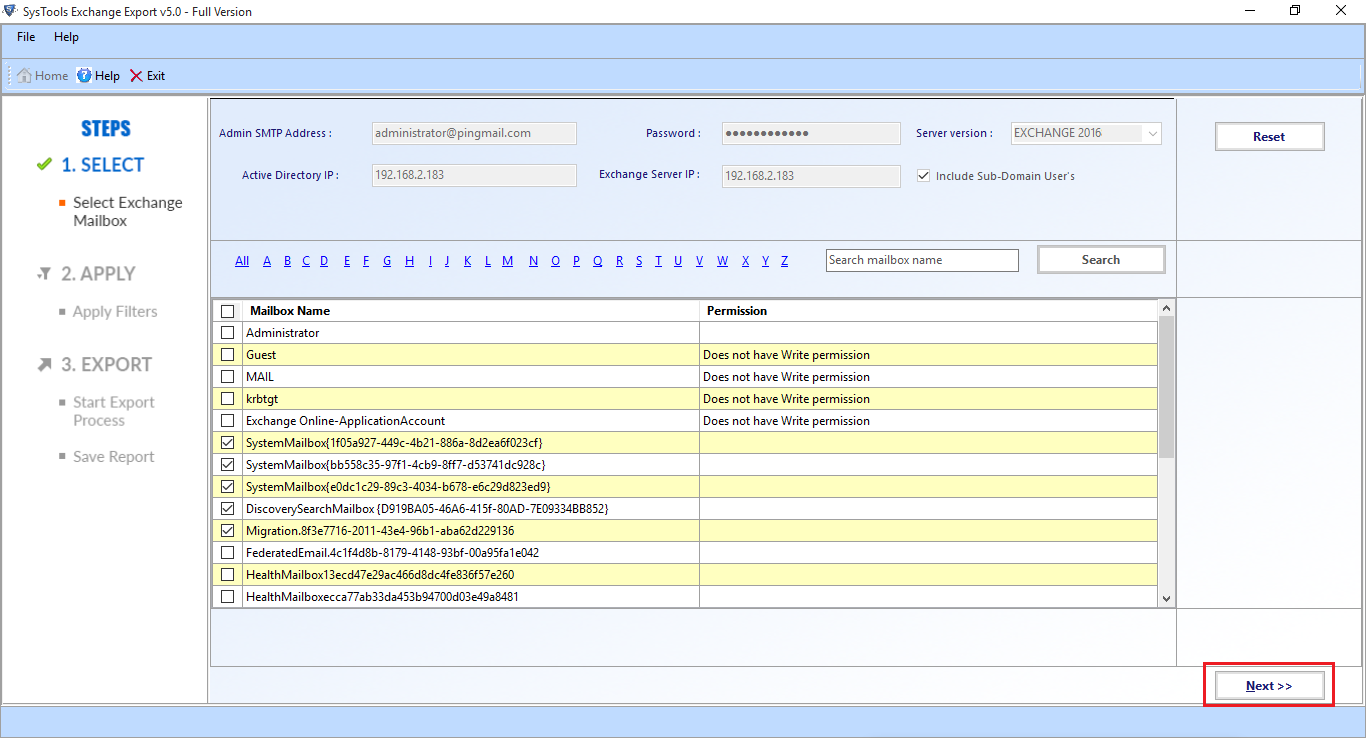
When users need to process data from many email accounts, then it can take more time. If you need to export data from every account separately. Fortunately, our G Suite exporter is designed in such a way that you can enable bulk processing and administrators can create a list containing several accounts and export their data at once. It can be used for multiple reasons such as backup, archiving, and account management.
Make Priority to Important User Accounts
There are chances for big export projects to have lots of user accounts. With the help of the priority option, administrators can specify certain accounts that they want to process first. Now, just select any account you want and prepare an appropriate export.
See Status of Export Process Using Integrated Dashboard
Google Workspace export tool shows you a full tracking record from the software dashboard. It shows all export operations across different accounts in one place, which enables administrators to assess the status of the activity. This feature is useful when you have several Google Workspace accounts.
Pause & Resume Button Functionality
Google Workspace exporter includes features that allow for the control of an ongoing export process. The administrators can pause the process and start again without initiating the entire process again. This provides added control when dealing with larger mailbox data.
Three Options Available for Re-Run Export
If users need to execute another export, then software offers three diverse alternatives.
Free Download the Software & Export G Suite Data Securely
Processor
Minimum 8 core Processor
Memory & Storage
8 GB RAM is recommended | Around 500 MB for installation & tool requires at least 20 GB of free space to store data
Pre-Requisites
Supported Editions
FAQs
Q: Is Anti-Virus blocking the export process?
Disable Anti-Virus temporarily or whitelist the software in your settings for proper functionality.
Q: Unable to create output in destination?
Avoid using NAS, SAN, or Network drives. Ensure the source file is on the local migration machine to perform successful migration.
Software Download
Release v7.7.0 | File Size: 164 MB | MD5: 02af06c67fd75dd8fb19d0a72817c0fe
Trial Limitations
This free demo version of this software will help users export 2 user accounts for free.
Electronic Delivery
The delivery of product is automated. You will receive an email containing both the link to download and the activation key within few minutes.
Understand Tool's Features that You Get in Trial vs Purchase Edition
|
Features |
Free Version |
Full Version |
|---|---|---|
| 4 Destination Export Options |
|
|
| Date Filter for Emails, Contacts & Calendars |
|
|
| Priority-Based Export |
|
|
| Detailed Export Reports |
|
|
| Support Windows 11 & Below Versions |
|
|
| All-In-One Dashboard |
|
|
| User Account Export | 2 User Accounts |
|
| Cost | FREE | $99 |
Answered All Queries About our Software
What Customers Are Saying