Top-Rated Utility to View and Access Damaged or Corrupted XLSX Files
Download Now
Safe & Secure
Upgrade to Pro
30 Days Money Back*
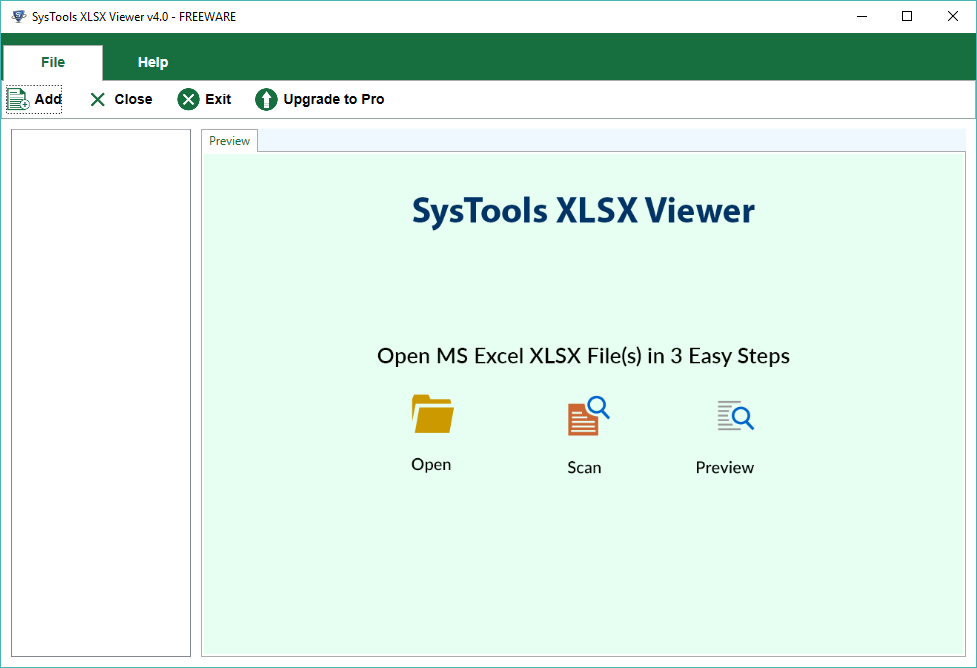
Free Demo Version of Excel Viewer Tool will let users only preview corrupted or damaged XLSX files.

Awards & Reviews – FreeViewer
“Software informer has given 5 stars to this software for its commendable performance and achieving the task in full efficiency.”
“Excel viewer is a smart yet trustworthy utility said to CNET. The tool can easily do the procedure and that too with full security and safety. One of the best things is that it completes the task without any data loss.”
Eye-Catching Features of the Viewer Utility
Access Excel Along with all Items
The application is quite easy to use and will open ESEDB file of large size easily. One can run and install the application on any version of Windows Operating System such as 10, 8.1, 8, 7, Vista, XP, Server 2008, Server 2003, etc.
Various XLSX Viewing Modes
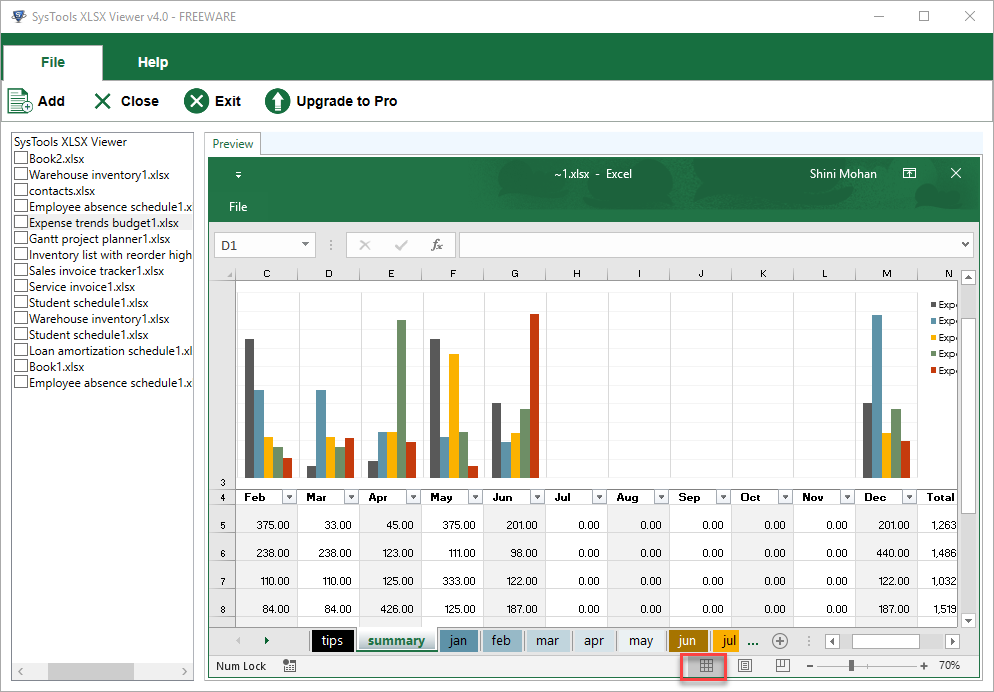
For accessing and reading the Excel files users can choose any of the views from the normal view, page break view, and page layout view with the XLSX Viewer tool. One can select their magnification levels using the zoom in / zoom out feature. By double-clicking, you can see the formulas in the worksheet to see the functions used there.
Access Excel Workbook with Various Worksheets
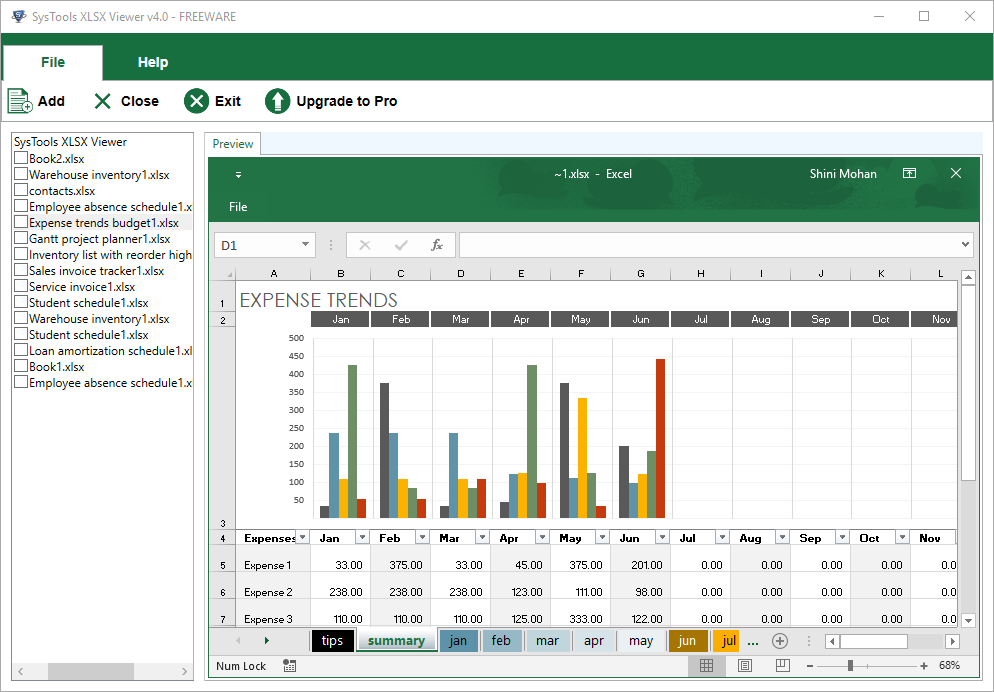
Software easily read corrupted Excel spreadsheets without encountering any error message. One can add any damaged and corrupted Excel files in software as it supports adding bulk files. Microsoft Excel spreadsheet reader can also be used for reading XLSX files that have multiple worksheets.
Supports all types of Excel Files
The utility is fully compatible with all types of Excel files. Strict Open XML spreadsheet (XLSX), as well as Normal XLSX files, can be read using this advanced software. Whilst the Excel files are ‘Protected files’ and ‘Marked as Final’ to restrict any type of editing, the software will have no trouble opening these types of Excel spreadsheets.
Compulsory Installation of MS Excel
For viewing and exploring XLSX files, ensure that you have the MS Excel application installed on the computer. One must have any of the Excel 2007, 2010, 2013, 2016, or 2019 versions on their PC for the smooth viewing of corrupt and infected Excel files
Numerous Files Adding Modes
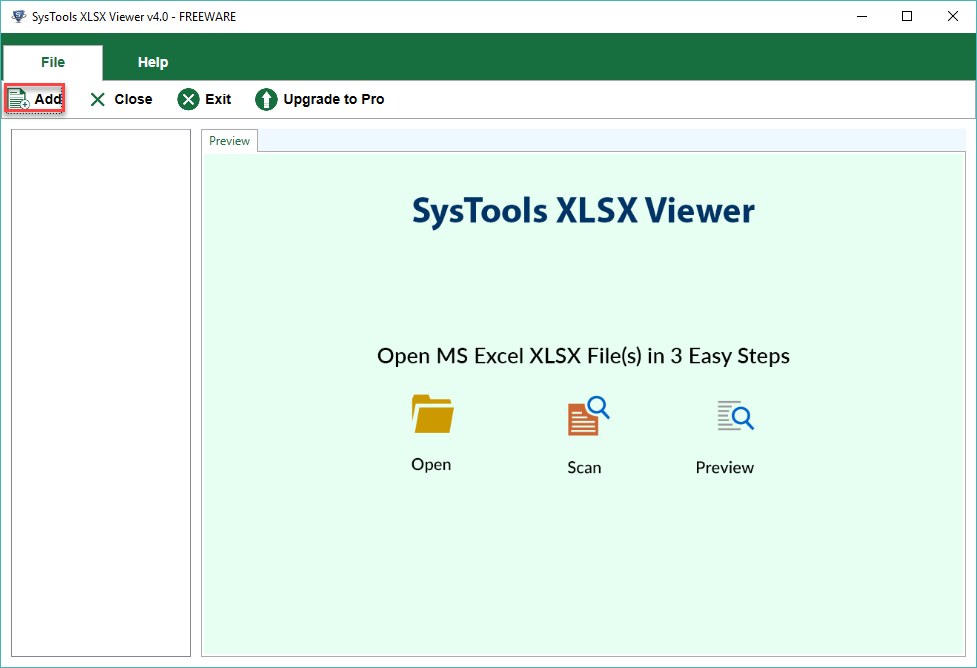
For adding XLSX Files in this free reader tool, one can take the help of any of the 3 options available. Use Search file option, for files with known location. This feature of XLSX file opener will scan all drives including their subfolders and locate all the XLSX files for viewing.
Excel Viewer Tool’s Specifications
Processor
Intel® Pentium 1 GHz processor(x86, x64)
Memory & Storage
1 GB RAM is required | 10 MB of free hard disk space required
Deployment Prerequisites
Supported Editions
FAQs
Q: Is Anti-Virus blocking the export process?
Disable Anti-Virus temporarily or whitelist the software in your settings for proper functionality.
Q: Unable to create output in destination?
Avoid using NAS, SAN, or Network drives. Ensure the source file is on the local migration machine to perform successful migration.
Software Download
Release v7.0 | File Size: 2.95 MB
Trial Limitations
Trial Version of Excel Viewer Software will only preview the corrupted or damaged files.
Electronic Delivery
The delivery of product is automated. You will receive an email containing both the link to download and the activation key within few minutes.
Excel XLSX File Viewer Tool Order Now
|
Features |
Free Version |
Pro Version |
|---|---|---|
| Add Excel Files & Folder |
|
|
| View Damaged or Corrupt XLSX files |
|
|
| Open Multiple XLSX File or Workbook |
|
|
| Read XLSX File with Various Worksheet/ Spreadsheets |
|
|
| Preview All Excel File Elements |
|
|
| Windows 11 & All Other Previous Windows Versions supported |
|
|
| Save Repaired Corrupt or Damaged XLSX files(s) | Only Preview | No limitations |
| Cost | FREE | $29 |
Frequently Asked Questions
Our Customers Are Saying