View Data Items From Microsoft Exchange EDB Mailboxes With Attachments
Download Now
Safe & Secure
Upgrade to Pro
30 Days Money Back*
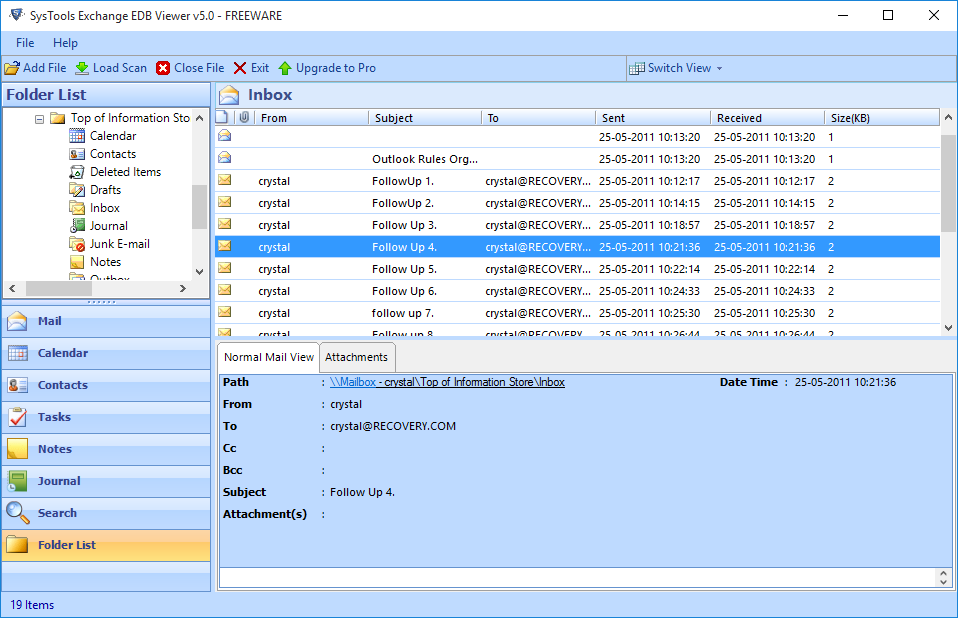
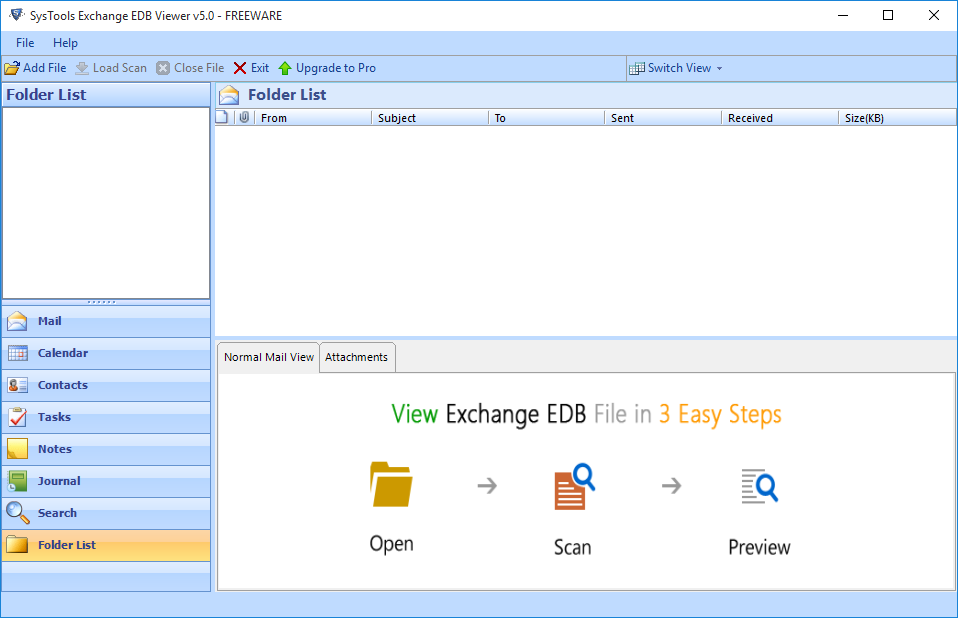
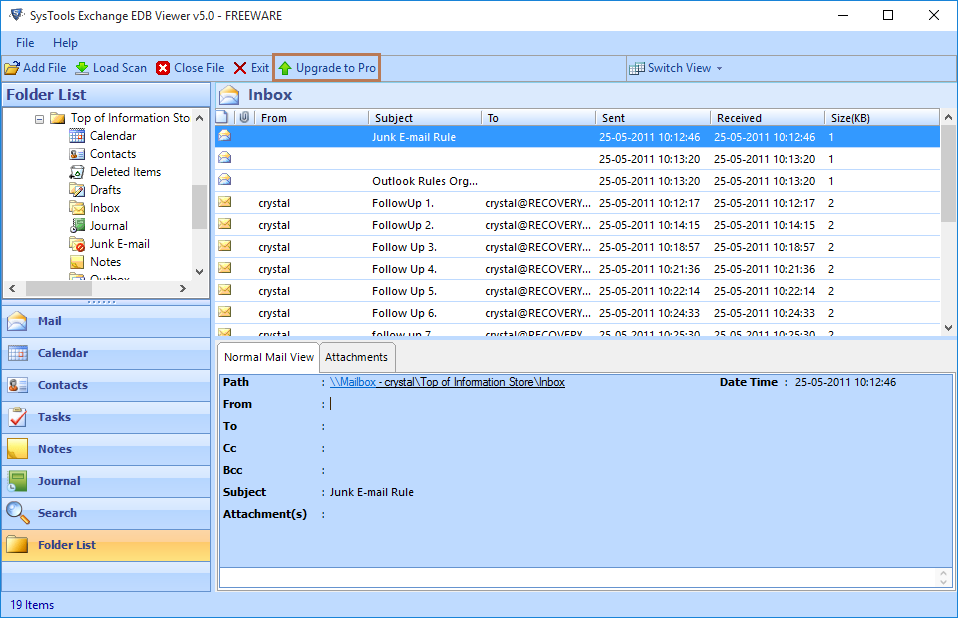
Free EDB viewer allows users to open EDB file data and view complete data. Upgrade to full version to unlock all features.

FreeViewer Awards & Reviews
“Software Informer gives Free EDB Viewer Software 100% secure and clean award for its best performance.”
“Exchange EDB File Viewer got the 4 stars rating from Cnet for its performance efficiency and accuracy.”
“Free Exchange EDB Viewer is the recommended Software among various others as it has the best performance for opening EDB files.”
“EDB viewer tool gets 100% clean award by Softpedia for delivering Ad/Virus/Spyware free solution to open EDB file.”
Free EDB File Viewer – Overview
What is an EDB File Extension?
EDB (Exchange Database) file is the store house of Exchange Server where it stores entire components (Emails, Tasks, Calendars, Attachments etc.) of the communication held within the organization.
Exchange Server 2003 and its previous versions use separate files to save the EDB emails and attachments (EDB, STM). EDB file is of two types Priv1.edb (Stores the Private Communication), Pub1.edb (Stores the Public Communication) and STM (Streaming) file is used to store the attached data.
Over a period of time, an EDB file may also get corrupted or inaccessible due to various issues like Dirty Shutdown, Jet Engine errors, etc. However, all the damaged EDB files are manageable and can be open with Free EDB Viewer Tool.
Best Software to Open Exchange EDB File on Windows OS
Open Offline Exchange EDB Files
With the Exchange EDB File Viewer software, you can now instantly access and open multiple email items, contact details listings, and everything associated with the Exchange user mailbox without spending longer duration to wait.
View Priv1.edb, Pub1.edb & STM File
This software is also capable of opening and viewing the data of private and as well as public folders of Exchange EDB database. Also, users can view the attached data of STM file format. EDB Viewer Tool also supports to view & open corrupted EDB files.
Scan and View Corrupt EDB File
No issues when a single mailbox in your exchange EDB file is corrupted or the whole Exchange EDB file is corrupted. The EDB Database Viewer tool offers quick and advance modes of scanning to view corrupted Exchange EDB records (private as well as public file storage folder database).
View EDB Emails with Attachments
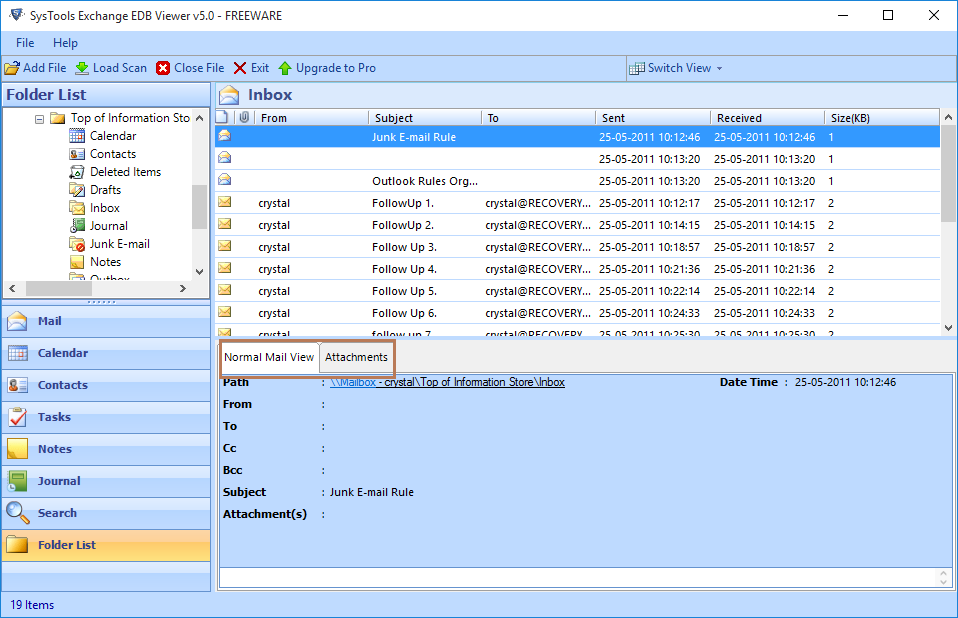
With the help of EDB File Viewer software, you will be able to view all the emails and all the attachments associated with them. This tool is enough capable to show the preview of the severely corrupted mailbox emails along with all the attachments like important documents, images, etc.
View Deleted Items of EDB File
With the Free Exchange EDB Viewer Tool, deleted EDB data items can also be traced in the same manner. All the Exchange corrupted files can be traced and previewed. EDB Database Viewer allows a user to view and restore deleted items from Offline Exchange mailbox into multiple file formats.
Option to Search within EDB Mailbox
There is an Advance Search option available by the EDB File Viewer Tool that allows users to search the items within EDB file. This feature can be used when you have to find particular email from the large Exchange EDB file. This Software also helps in exporting searched resultant EDB emails.
In-depth Emails Analysis
Emails along with Attachments can be analyzed without affecting the EDB file structure. With its core features like Hex view, MIME, Header View etc. can be used for Forensic purpose. EDB File Viewer provides category wise preview of individual email and its key components like TO, FROM, SUBJECT, SENT, RECEIVED and SIZE without any external mail client.
Save in PDF Format
Advanced version of the tool can save the Emails in PDF file format. The software will create separate PDF file for each email. Free EDB viewer software provides multiple naming conventions such as Subject, Subject+Date, From+Subject+Date, Date+From+Subject, Date+Subject+From, Date+Subject, Autoincrement, with MDS.
Free EDB Viewer Software - Specifications
Memory & Storage
2 GB of RAM (2 GB is recommended) | 100 MB of free hard disk space required
Deployment Prerequisites
Supported Editions
FAQs
Q: Is Anti-Virus blocking the export process?
Disable Anti-Virus temporarily or whitelist the software in your settings for proper functionality.
Q: Unable to create output in destination?
Avoid using NAS, SAN, or Network drives. Ensure the source file is on the local migration machine to perform successful migration.
Software Download
Release v5.0 | File Size: 16 MB
Trial Limitations
The Free Version of Exchange EDB Viewer Tool Can Only Shows The Preview of Data Items Within The EDB File.
Electronic Delivery
The delivery of product is automated. You will receive an email containing both the link to download and the activation key within few minutes.
Exchange EDB Viewer Tool - Comparison
Frequently Asked Questions
What Customers Are Saying