Microsoft SQL Log Analyzer to View Transactions Activities in SQL Server
FreeViewer Awards & Reviews
“SQL Server LDF Viewer has been awarded safe with 5 star ratings for its efficient performance.”
“SQL Log Analyzer awarded 100% Virus/Spyware/Ad free software by Softpedia.”
“CNET awarded SQL Log File Recovery as most efficient tool for recovering SQL database transaction logs.”
“Soft32 has awarded SQL LDF Viewer for forensic investigation of transaction logs.”
“SQL Log Viewer has been praised with 5 star rating among various users for efficiently tracking its transaction activities.”
Key Features of FreeViewer LDF File Viewer
View SQL Server Log Files
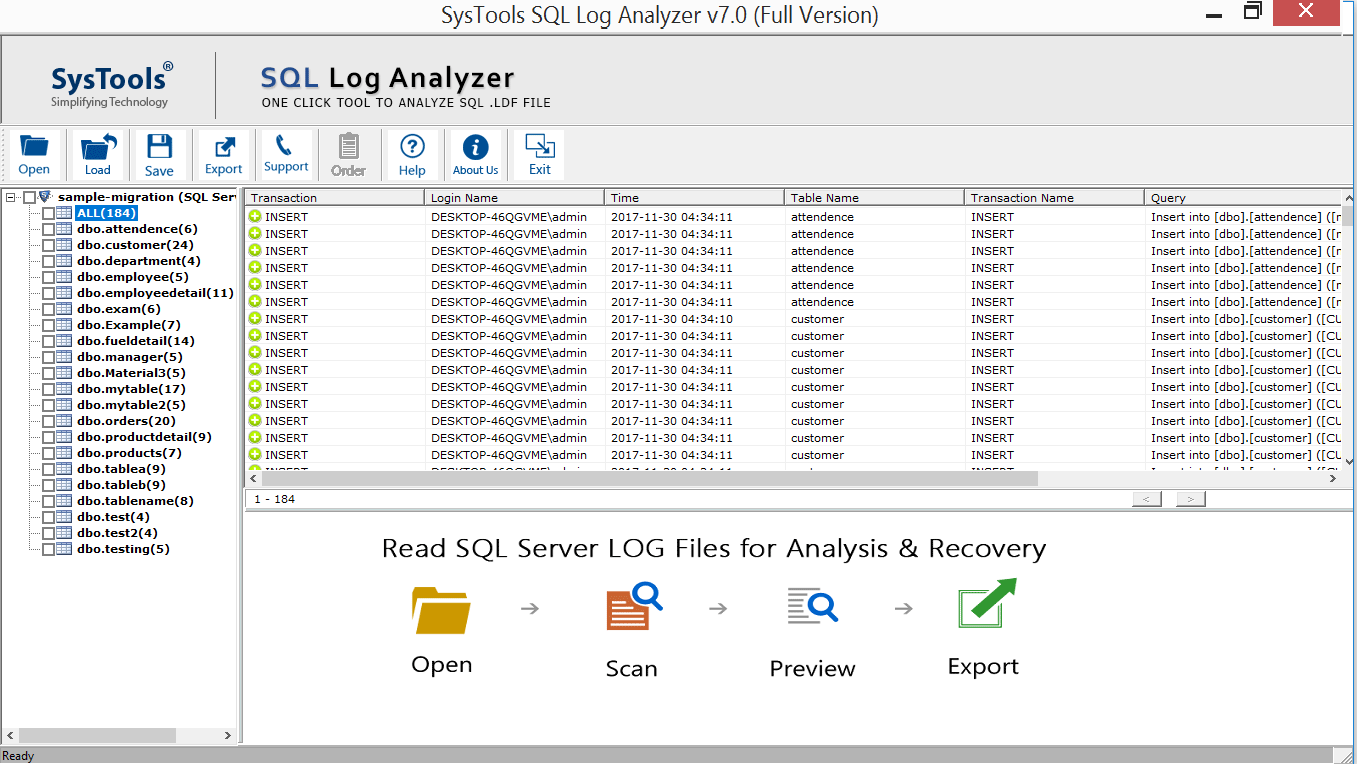
The SQL LDF Viewer software allows user to analyze every activity of MS SQL Server database. It helps to view all the transaction activity like Transaction, Transaction time, Table name & Query. It also previews records with Login Name for INSERT, DELETE, UPDATE, etc.
Preview Data from Live SQL Database
SQL Log Analyzer allows user to connect with the Live database to view transaction logs. It previews all the operation like INSERT, UPDATE, DELETE from the live database. For this you need to provide credentials of your SQL Server to the software.
Forensic Analysis of Log Files
LDF File Viewer Tool is also helpful in forensic analysis of transaction logs. SQL LDF Viewer previews all the transaction logs by Login name. Thus, you can investigate who made certain changes on that database.
Perform SQL LDF File Recovery
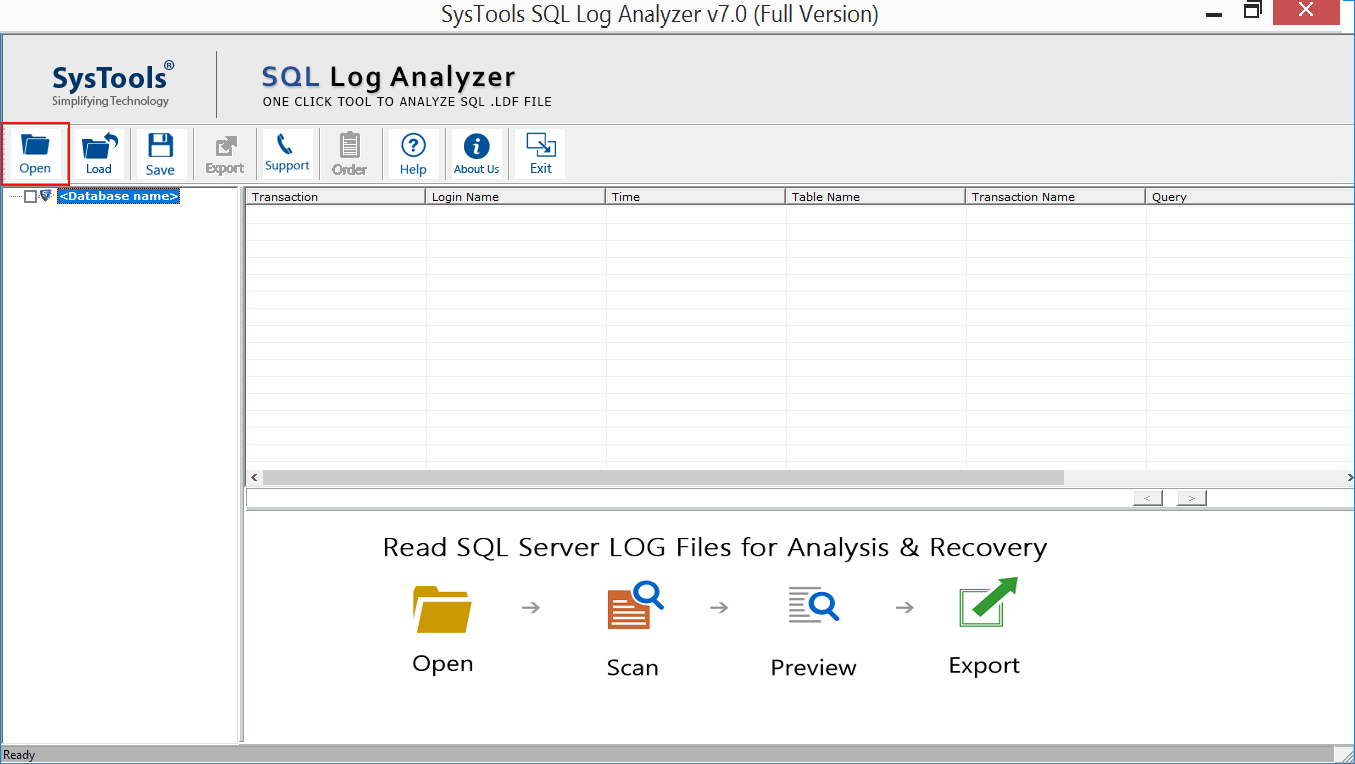
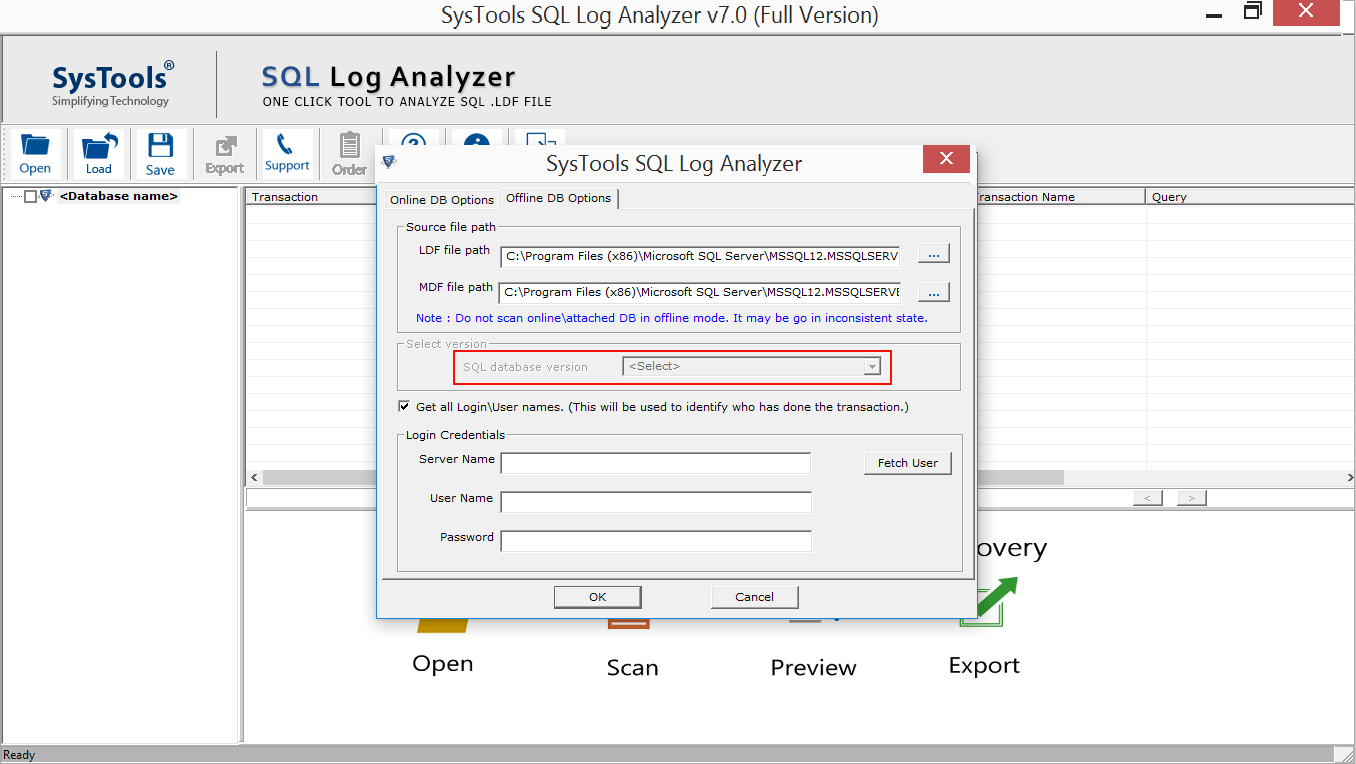
SQL Log File Viewer Software scans SQL Database log File & recover the records from transaction logs. You just need to add either the LDF file directly or the Primary database file (MDF) to the tool. The SQL LDF Viewer provides you three options to export your recovered data.
Different Options to Export Recovered LDF File
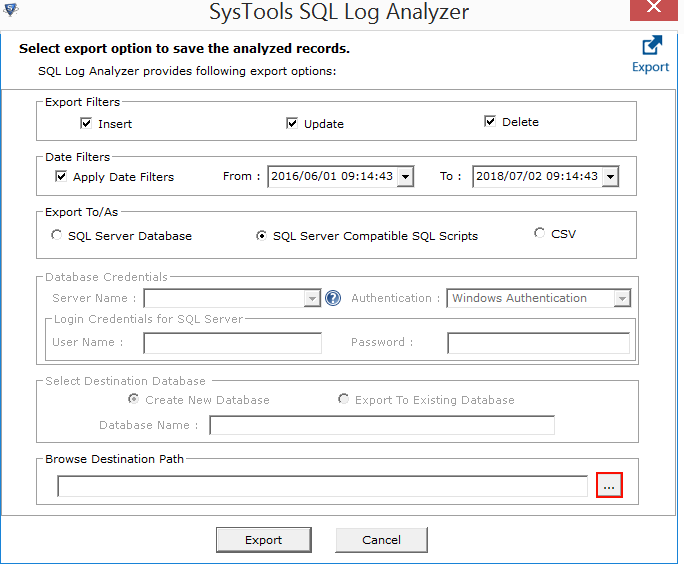
Freeviewer SQL Log Viewer provides three different export options to save the recovered Log file, that is, directly to a Live SQL Server Database, as SQL Server Compatible SQL Script, or as CSV file.
Export with Date Filter Option
SQL Log Analyzer Tool offers a 'Date Filter' option that enables you to export the transactions of specific date range. The tool also helps with point in time recovery to a specific date range.
Sorting Option for Log Records
The SQL LDF File Viewer provides an Auto-Sort option to arrange the order of the database records. You can classify the components by its Transaction activities like Transaction, Transaction time, Table Name & Query.
Save Desired Transactions Records
After selecting the desired exporting option, the SQL Log viewer provides you an option to select & export the transaction logs of required tables. It allows you to select or deselect the records before exporting.
Compatible with All SQL Versions
The LDF File Viewer is compatible with the all SQL Server versions ranging from SQL Server 2025 to 2022, 2019, 2017, 2016, 2014, 2012, 2008, 2008 R2, 2005, and 2000 versions. The tool helps to load, open & recover LDF log file of SQL Server of these versions.
Supports All Windows OS Versions
SQL Log Analyzer is a Windows-based application. It supports all the versions of Windows OS which includes the latest version Windows 11(64-bit), Windows 10, Windows 8.1, Windows 8, Windows 7, Windows XP, both, 32 Bit & 64 Bit.
LDF Viewer Software Specifications
Processor
Intel® Core™ 2 Duo CPU E4600 @ 2.40GHz
Memory & Storage
4 GB of RAM Recommended | 100 MB of free hard disk space required
Pre-Requisites
Supported Editions
FAQs
Q: Is Anti-Virus blocking the export process?
Disable Anti-Virus temporarily or whitelist the software in your settings for proper functionality.
Q: Unable to create output in destination?
Avoid using NAS, SAN, or Network drives. Ensure the source file is on the local migration machine to perform successful migration.
Software Download
Release v9.2 | File Size: 9.26 MB | MD5: d0d649516b3d159323da86a09d887066
Trial Limitations
Demo Version of LDF Viewer Software provides 7 Days Free Trial to preview all the tables (50 records per table). Free Version does not provide option to export data.
Electronic Delivery
The delivery of product is automated. You will receive an email containing both the link to download and the activation key within few minutes.
SQL Log Analyzer Full Version Order Now
|
Features |
Free Version |
Pro Version |
|---|---|---|
| Add and View SQL LDF/MDF File |
|
|
| Sort and Manage Log Records |
|
|
| View the Selected Transaction in-depth |
|
|
| Read and Analysis Complete Log History |
|
|
| Export Log in SQL Server |
|
|
| Convert to SQL Server Script file |
|
|
| Save LDF File as CSV |
|
|
| Cost | FREE | $99 |
Frequently Asked Questions
What Customers Are Saying