FreeViewer tool image

(Average Rating 4.8 Based on 148 Reviews)

Screens

Guide

FreeViewer
Google Drive Migration Tool

Transfer Files from One Google Drive to Another Google Account Efficiently

Download Now
Safe & Secure

Purchase Now
30 Days Money Back*

  • Allows You to Move all Files from One Google Drive to Another Domain
  • Move Google Drive Files with It's Permission Safely
  • Direct Google Drive to Google Drive Migration
  • Migrate Google Drive to New Account using Pause, Resume & Stop
  • Delta Migration, in case of re-migration of data to transfer appended files
  • Provision to Keep Folder Hierarchy Intact in the Output
  • Option to choose specific Users Account & Apply Date Filter
  • Generates a Complete Report of the File Transfer in CSV Format
  • Works with Latest Windows Operating Systems (11 & 10 both 64-bit).
🔐

Download the free demo of FreeViewer Google Drive Migration Tool for a trial. In this, you will get all the functions of the tool, but it only moves complete data of 2 user accounts. The paid version provides data migration for unlimited user accounts.


Noteworthy Features of Google Drive Migration Tool

Best Functionalities to Transfer Google Drive Folders to Another Account

Google Drive to Another Account

Accurately Transfer Google Drive Files to Anothers

Google Drive Migrator allows you to migrate all items like PDFs, photos, videos, etc., and preserved in other Google Drive. After the process, you will see transferred data in the destination drive with the present date of migration. It offers both Incremental and concurrent migration for your work.

Customize the Migration Procedure

Customize the Migration Procedure

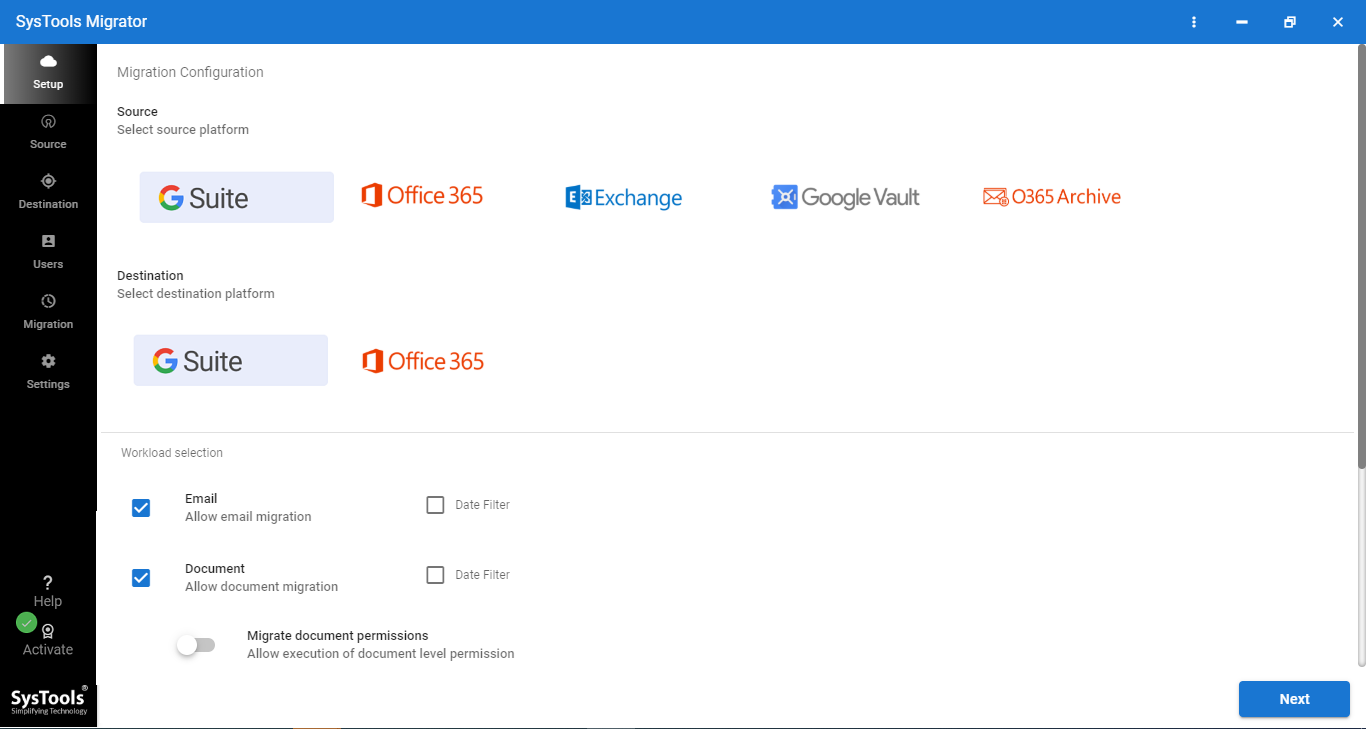
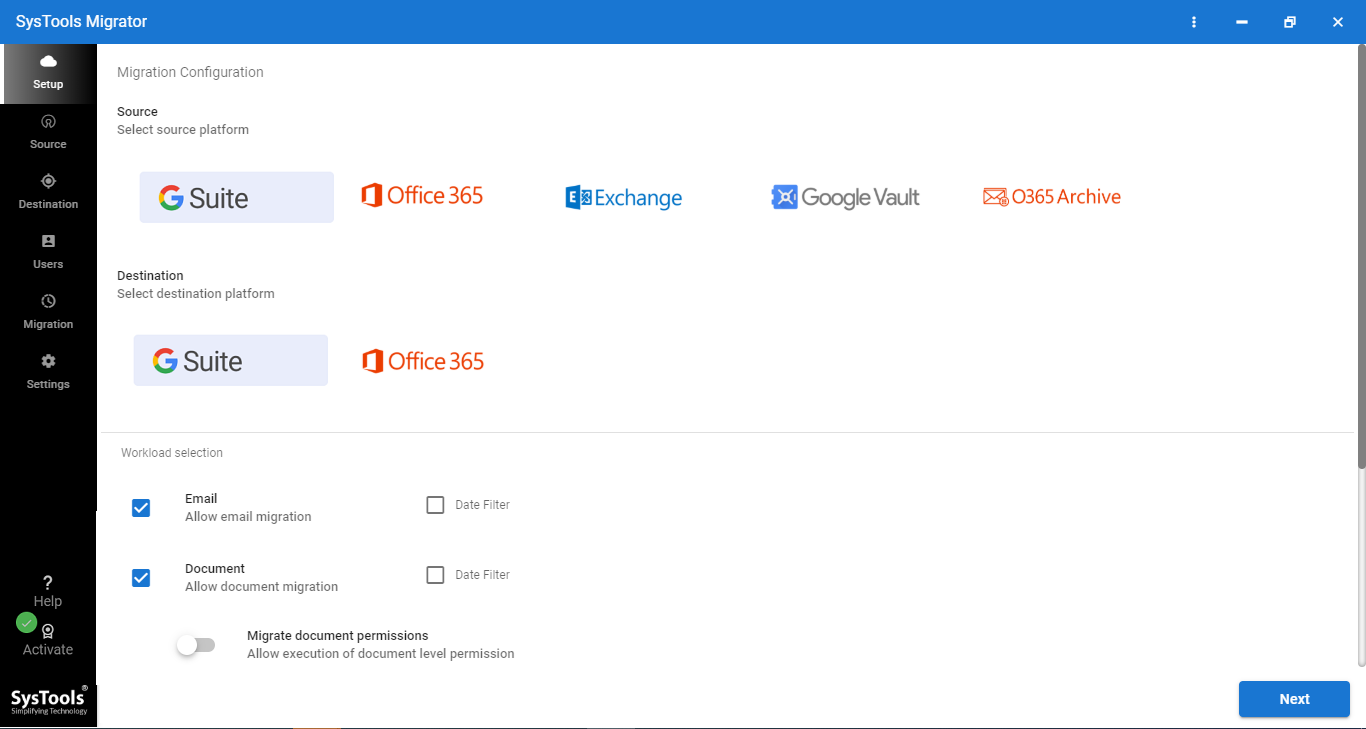
The software offers options to decide what you want to migrate. Some of them are mentioned below:

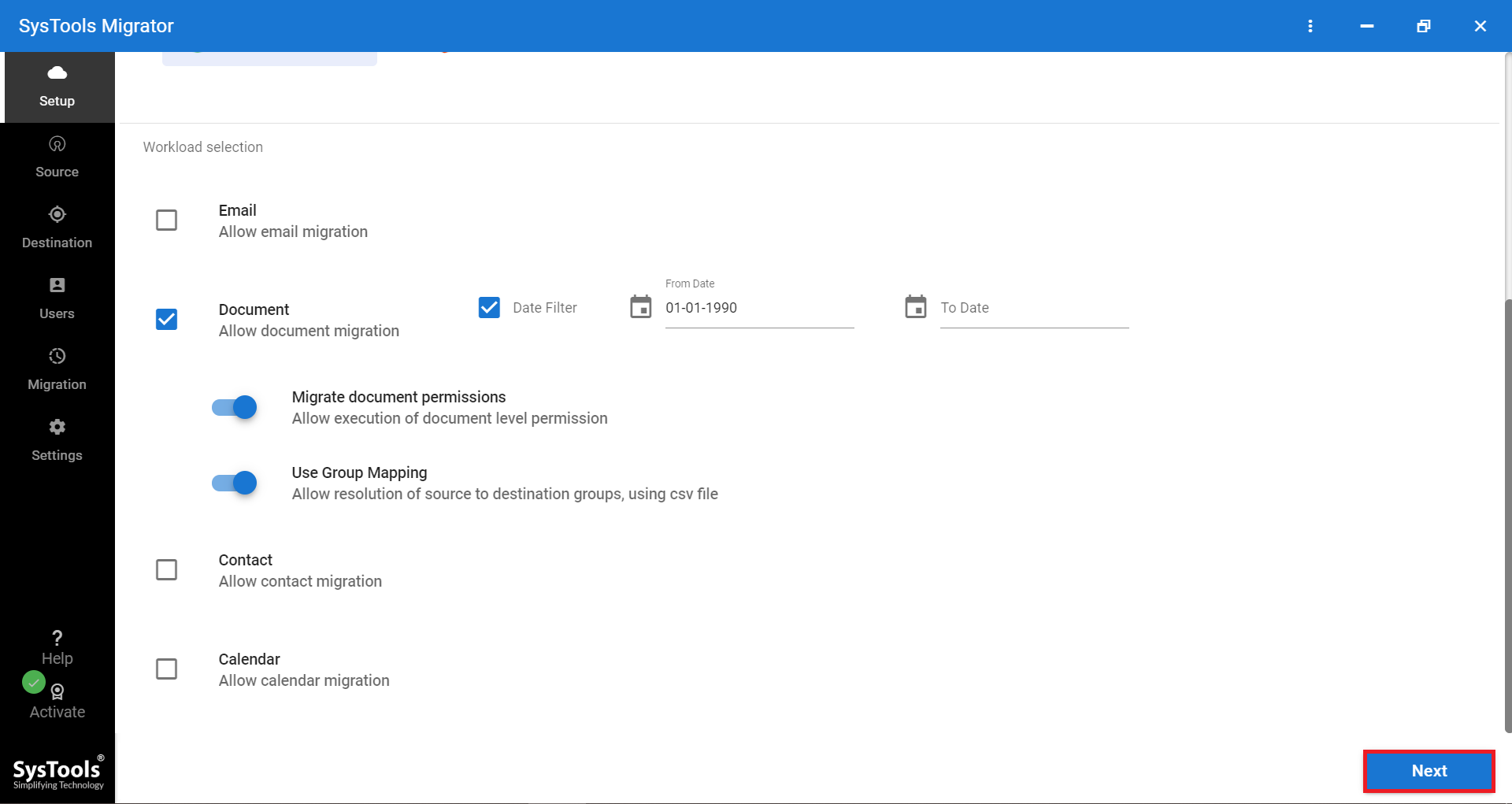
  • Migrate Permissions: If users want, they can transfer all given permissions, including read, write, and comment, while exporting Google Drive to a new drive.
  • Transfer Specific Users: Users can choose which users files they want to transfer by clicking the select option.
  • Set Priority: To move critical files, you can set a user priority. This way the tool will first move priority data and then rest of other files.
Date Range Filter

Date-range Filter to Migrate Google Drive

In order to move files between Google Drive accounts within a specific date range, users can go for the date filter option. In this, you have to specify the date range in 'To' and 'From' fields. Then, the software sort your files and they move them.

Pause and Resume

Pause & Resume, Stop Feature

During the Google Drive migration process, users can track their progress on live. You can also pause or resume the entire process at anytime in case of interruption.

Preserve Folder Hierarchy

Preserve Google Drive Folder Hierarchy

Another advantage of using this Google Drive Migrator software is that it is smart enough to maintain the folder structure during and after the export process. Also, your messages, attachments, and metadata is also preserved during the process.

Generate Report

Generated Migration Report

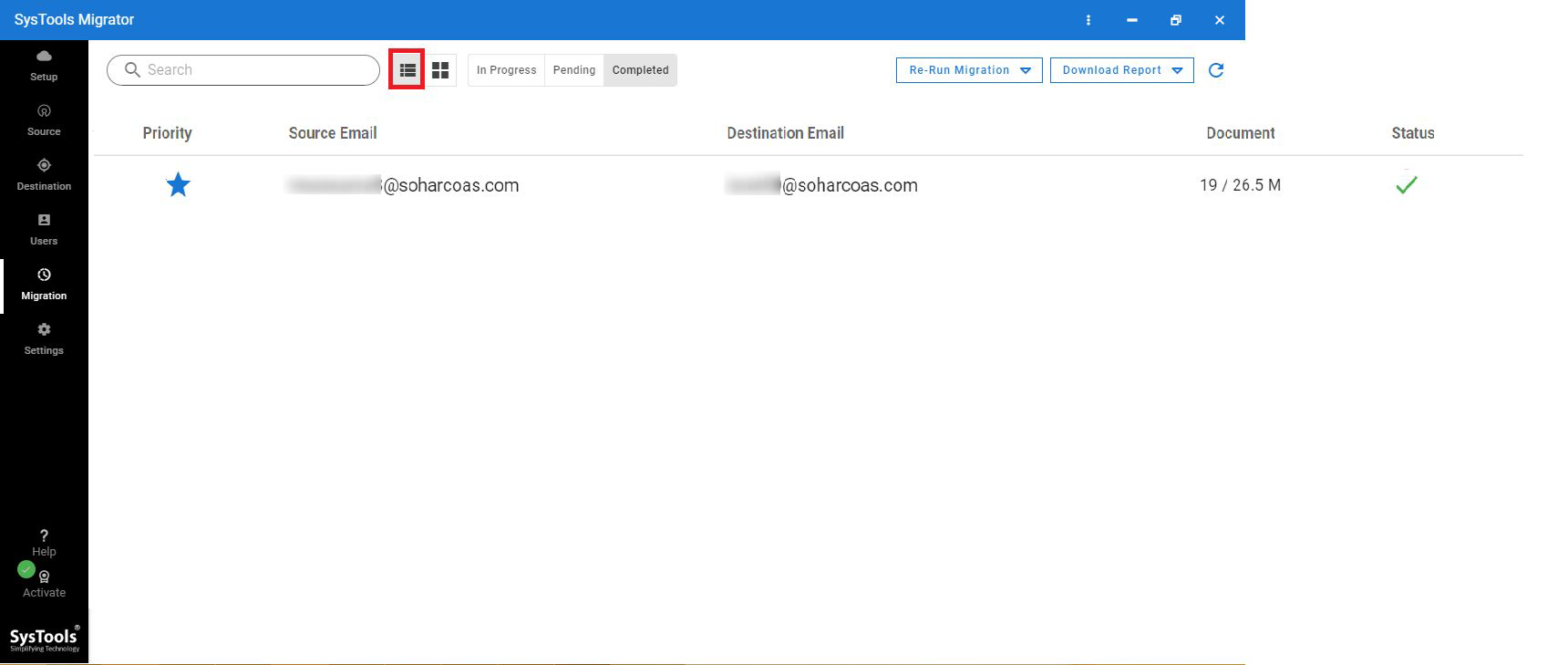
As the migration completed successfully, the application generates a complete report of transferred items. It includes information like Google Drive ID, OneDrive ID, no. of documents, duration, and status. However, if a user wants, then he or she can save the file in CSV format on the local machine for future reference.

Google Drive Migrator Software – Specifications

Free Download of Google Drive Files Migrator

Processor

Processor

At least 8 core processor

Memory & Storage

Memory & Storage

8 GB of RAM is recommended | 500 MB of Installation and 20 GB free hard disk space required

Deployment Prerequisites Deployment Prerequisites

Supported Editions

Supported Editions

FAQs

Q: Is Anti-Virus blocking the export process?

Disable Anti-Virus temporarily or whitelist the software in your settings for proper functionality.

Q: Unable to create output in destination?

Avoid using NAS, SAN, or Network drives. Ensure the source file is on the local migration machine to perform a successful migration.

Software Download

Version 7.7.0 | File Size: 177 MB

Download Now

Trial Limitations

The demo version of Google Drive Migrator Software will transfer complete data of 2 user accounts only.


Electronic Delivery

Electronic Delivery

The delivery of the product is automated. You will receive an email containing both the link to download and the activation key within a few minutes.

Google Drive Migration Tool Features Comparison

Get an Overview of the Software – Free vs Full

Characteristics

Free Version

Full Version

Add Admin / Individual User

Apply Date Filter Option

Provides Pause & Resume Option

Compatible with Windows and Linux

Preserves Folder Structure

Export Entire Google Drive 2 User Account

Cost Free $25

Frequently Asked Questions

Listed Commonly Asked Questions and Answers

What Customers Are Saying

Get User Reviews on the Migrator Tool

4.8
148 Ratings
5 Star 85.8%
4 Star 13.5%
3 Star 0.0%
2 Star 0.7%
1 Star 0.0%